
In this article
In this article
- What HTTP Error 431 Actually Means
- What Causes HTTP Error 431?
- Fixes You Can Try as a Visitor
- If the Error Keeps Coming Back
- If You Run the Website
- How 431 Differs From 400, 403, and 414
- Frequently Asked Questions
- Final Thoughts
Few browser messages are as confusing as HTTP error 431. The page you wanted simply refuses to load, and the wording — “Request Header Fields Too Large” — sounds like something only a developer should worry about. The good news is that, for most visitors, the fix is simple and takes less than a minute. In plain terms, error 431 means the server looked at the extra information your browser sent along with your request, decided that information was too large, and refused to process it. The page itself is usually fine. The problem is the baggage attached to the request.
What HTTP Error 431 Actually Means
Every time your browser asks a website for a page, it sends a request. That request has two main parts: the address of the page, and a set of headers. Headers are small pieces of extra information, such as which browser you are using, which language you prefer, and — most importantly for error 431 — the cookies stored for that site. Think of headers as the label on a parcel: the parcel is the page request, and the label carries the handling instructions. If the label grows so long that it no longer fits the system, the parcel gets turned away.
Error 431 is the server’s way of saying exactly that. It is not saying the page does not exist, and it is not saying you are forbidden from seeing it. It is saying the request, as sent, is too bulky to accept. The server refuses the request rather than trying to process a header it cannot safely handle, and your browser shows you the 431 message instead of the page.
That distinction matters, because it tells you where to look. When a page is missing, you check the address. When access is forbidden, you check permissions. When you see 431, you check the size of what your browser is sending — and in practice, that almost always means cookies.
A quick word on cookies
Cookies are small pieces of data that websites store in your browser so they can remember you: whether you are signed in, what is in your shopping basket, which preferences you chose, and similar details. On their own, cookies are harmless and useful. The trouble starts when a site sets many cookies, or a few very large ones, and your browser dutifully sends all of them back with every single request to that site. Over months of visits, that collection can grow. Add in cookies from related subdomains, tracking tools, and advertising systems, and the header can eventually cross the server’s limit. At that point, a page that loaded perfectly yesterday suddenly shows error 431 today.
What Causes HTTP Error 431?
There is rarely a single dramatic cause. More often, several small things add up until the total passes the limit. Here are the usual contributors.
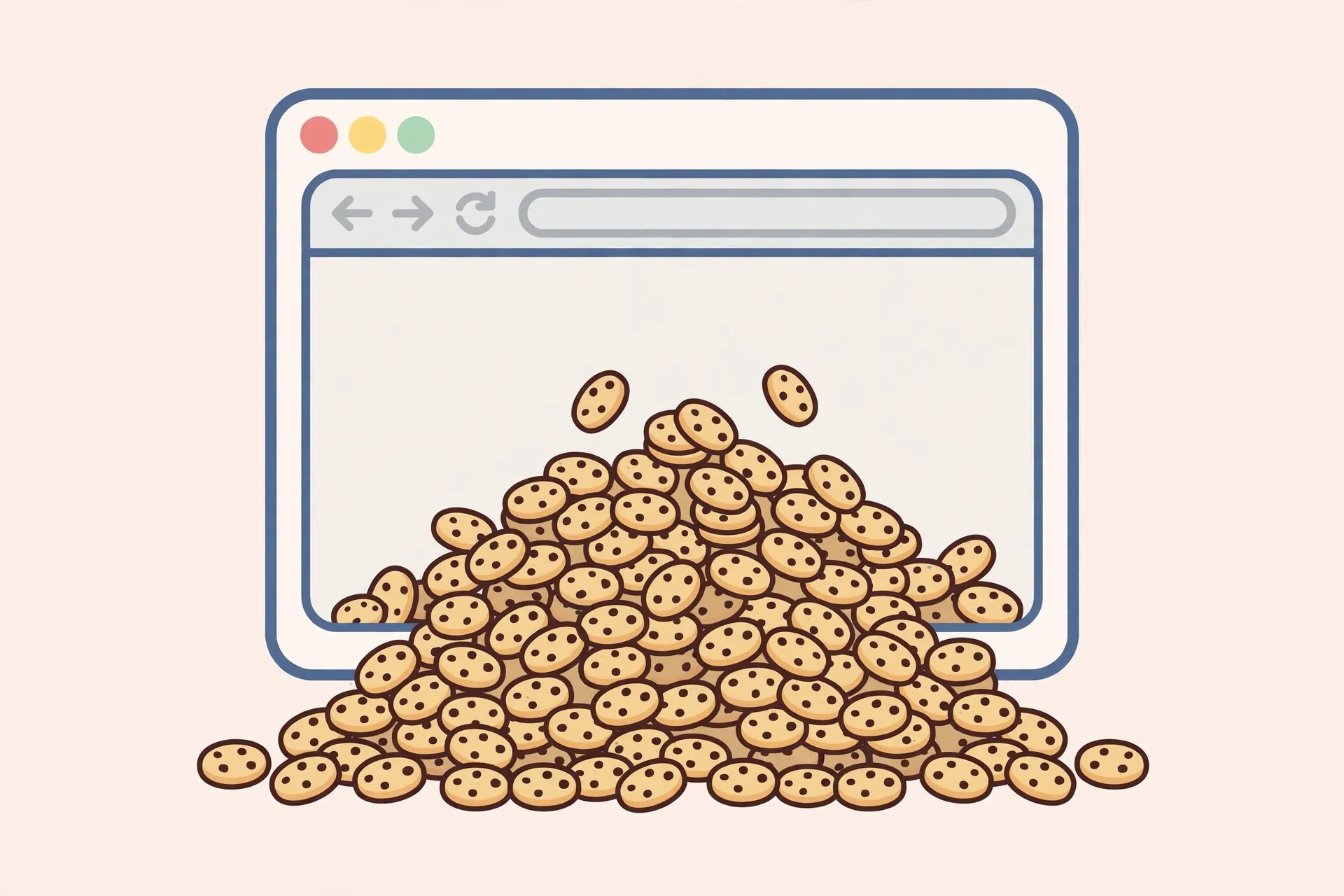
Too many cookies for one site. This is the most common cause by a clear margin. A site you visit often, especially one with many features, sign-ins, or third-party tools, can accumulate a large pile of cookies over time. Each one adds to the header.
Oversized cookies. Even a small number of cookies can cause trouble if one or more of them store a lot of data. Some sites store large session or preference values in cookies, and those values travel with every request.
Very long URLs. A URL stuffed with tracking parameters, referral codes, or long query strings adds to the request. On its own, a long URL usually triggers a different error, but combined with heavy cookies it can push a request over the line.
Bloated headers from extensions or tools. Browser extensions can add their own headers to requests. Most are modest, but a misbehaving or unusually chatty extension can inflate headers noticeably.
Proxy, CDN, or server limits. Some networks, proxies, and content delivery setups enforce their own header limits, which may be stricter than the origin server’s. If you only see 431 on one particular network — a workplace or school network, for example — that network’s setup may be part of the story.
A site-side problem. Occasionally, the site itself is setting cookies in a loop, or a recent change has made its cookies much larger. If many people report 431 on the same site at the same time, and clearing your cookies only fixes it for a visit or two, the site owner likely needs to fix something on their end.
Fixes You Can Try as a Visitor
Start with the simplest fix and work down the list. In most cases, you will not need to go far.
1. Clear cookies and site data for that site only
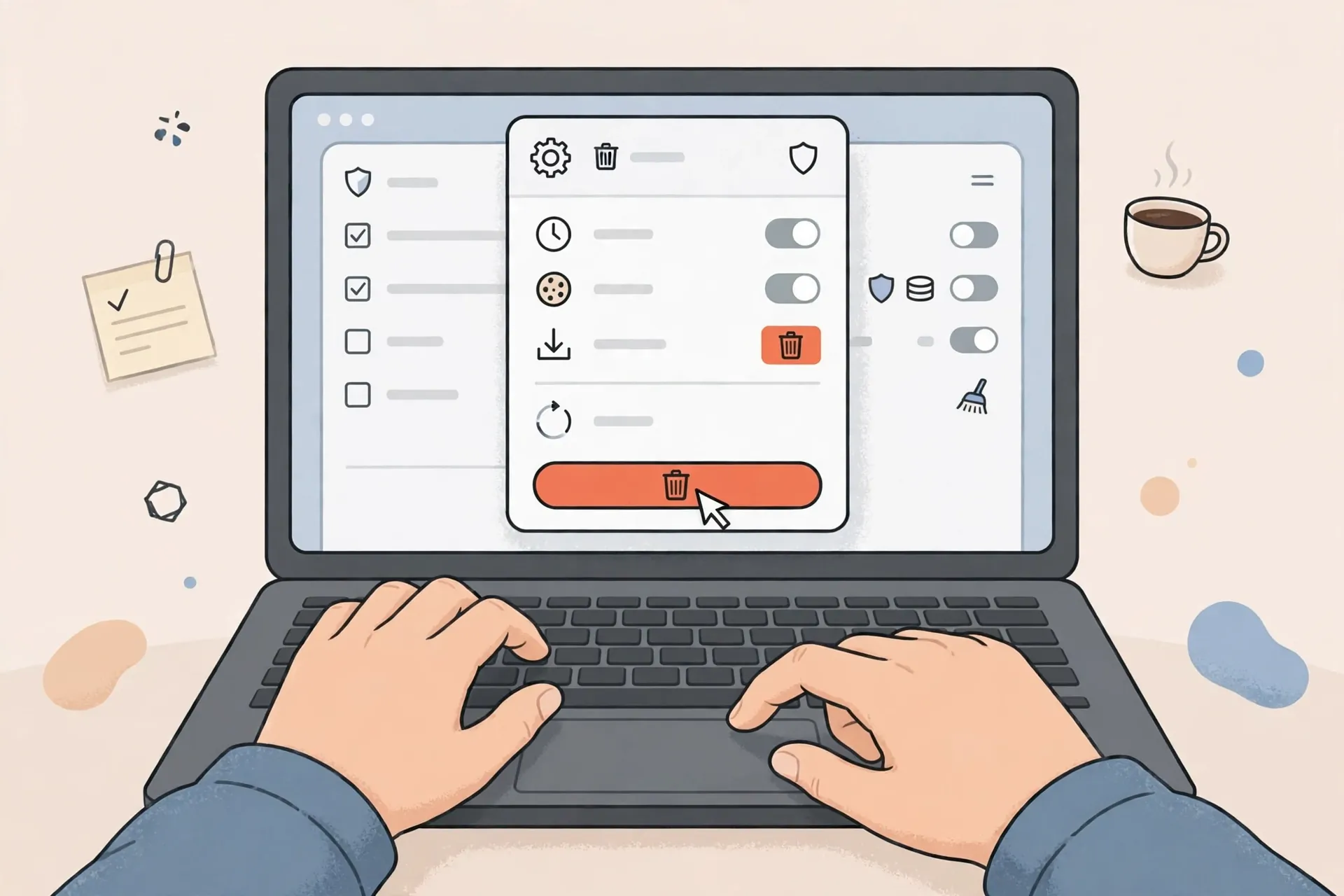
This is the fix that works most often, and it is better than clearing everything in your browser. Clearing all cookies would sign you out of every site, which is an unnecessary hassle. Instead, clear data for just the site showing the error.
In Chrome, click the padlock or tune icon beside the address, open site settings, and clear data for that site. In Firefox, use the site information panel and choose to clear cookies and site data. In Edge and Safari, the equivalent controls live in the site or privacy settings. The exact clicks differ slightly by browser and version, but every major browser lets you remove data for one site without touching the rest. After clearing, reload the page. You may need to sign in again on that site, but the bloated header should be gone.
2. Try an incognito or private window
Open a private or incognito window and try the same page there. Private windows generally start without your usual cookies, so if the page loads fine in private mode but not in a normal window, you have strong confirmation that cookies or extensions in your main profile are the cause. This is a diagnostic step, not a permanent fix — you still want to clear the problem cookies — but it is a quick way to narrow things down.
3. Trim the URL
If the address you are using is extremely long, with a trail of tracking parameters after a question mark, try the clean version of the page instead. Copy the address up to the main page path, paste it into the address bar, and press Enter. If the page loads, the extra parameters were contributing to the problem. Be careful not to trim parts of the address that are actually needed, such as an article identifier or a product code.
4. Try another browser or device
If the error appears in one browser but not another, the first browser’s stored data or extensions are the likely culprit. Trying another browser, or another device on the same network, helps you confirm whether the problem follows you or stays with one setup. If it follows you across devices, the site itself may be setting oversized cookies, and the site-side section below is more relevant.
5. Disable extensions temporarily
Extensions can add headers or interfere with requests in unexpected ways. Try disabling them, or test in a private window where extensions are usually off by default, and reload the page. If the error disappears, re-enable extensions one at a time until you find the one that triggers it. You can then keep it disabled for that site, update it, or look for an alternative.
6. Check for a proxy or VPN
If you are on a work, school, or public network, or using a VPN or proxy, try without it, if that is allowed and safe for you to do. Proxies can add headers of their own, and a misconfigured one can push a request over the limit. If the error only happens on one network, mention that to the network’s administrator, since the fix may be on their side.
7. Restart the browser
It sounds too simple, but a full browser restart clears temporary session state that a simple reload does not. Close every window, reopen the browser, and try the page again. This is worth doing after clearing cookies, just to make sure nothing stale is lingering.
If the Error Keeps Coming Back
An error that returns shortly after clearing cookies deserves a closer look. First, check whether you are being signed in automatically by a tool that restores the same large cookies. Some single sign-on systems and advertising setups recreate cookies quickly. Second, consider whether the site has changed recently — a redesign or a new feature can introduce larger cookies. Third, try the site on a different network. If it works elsewhere, your network’s proxy or filtering may be adding headers.
When the error affects many visitors, or returns within a visit or two no matter what you do, the most helpful step is to report it to the site owner with a few details: the exact page, the browser you used, and the fact that clearing cookies only helped briefly. Site owners cannot fix a problem they do not know about, and this pattern is a strong clue that the fix belongs on their side.
If You Run the Website
If visitors are reporting 431 on your site, the visitor-side fixes above will help them individually, but you should also look at what your site is sending and accepting.
Start by auditing your cookies. List the cookies your site sets, including those set by third-party tools, analytics, advertising, and embedded services. Ask whether each one is needed, whether it needs to be sent with every request, and whether its size is reasonable. Cookies that store large amounts of data, or that are set across many subdomains, are prime suspects. Reducing the number of cookies, shrinking their values, and scoping them to the paths or subdomains that actually need them can bring headers back under the limit.
Next, look at your server’s header size limits. Web servers and proxies have configurable limits on how large a request header may be, and the settings differ by server software. If your legitimate traffic is close to the limit, raising the limit may be appropriate — but do it thoughtfully, in consultation with your server documentation and hosting guidance, and only after trimming unnecessary cookies. Raising a limit to accommodate bloated cookies treats the symptom; trimming the cookies treats the cause. The best approach is usually both: a sensible limit, and headers kept well below it.
Also check for cookie-setting loops. A bug that sets a new cookie on every page view, or that duplicates cookies across subdomains, can grow headers quickly for regular visitors. Testing with a fresh browser profile and watching how cookies accumulate over several page views will reveal this kind of problem fast.
Finally, watch your error logs. A sudden rise in 431 responses after a deployment is a clear signal that a recent change introduced the problem, and rolling back or adjusting that change is often faster than asking every visitor to clear their cookies.
How 431 Differs From 400, 403, and 414
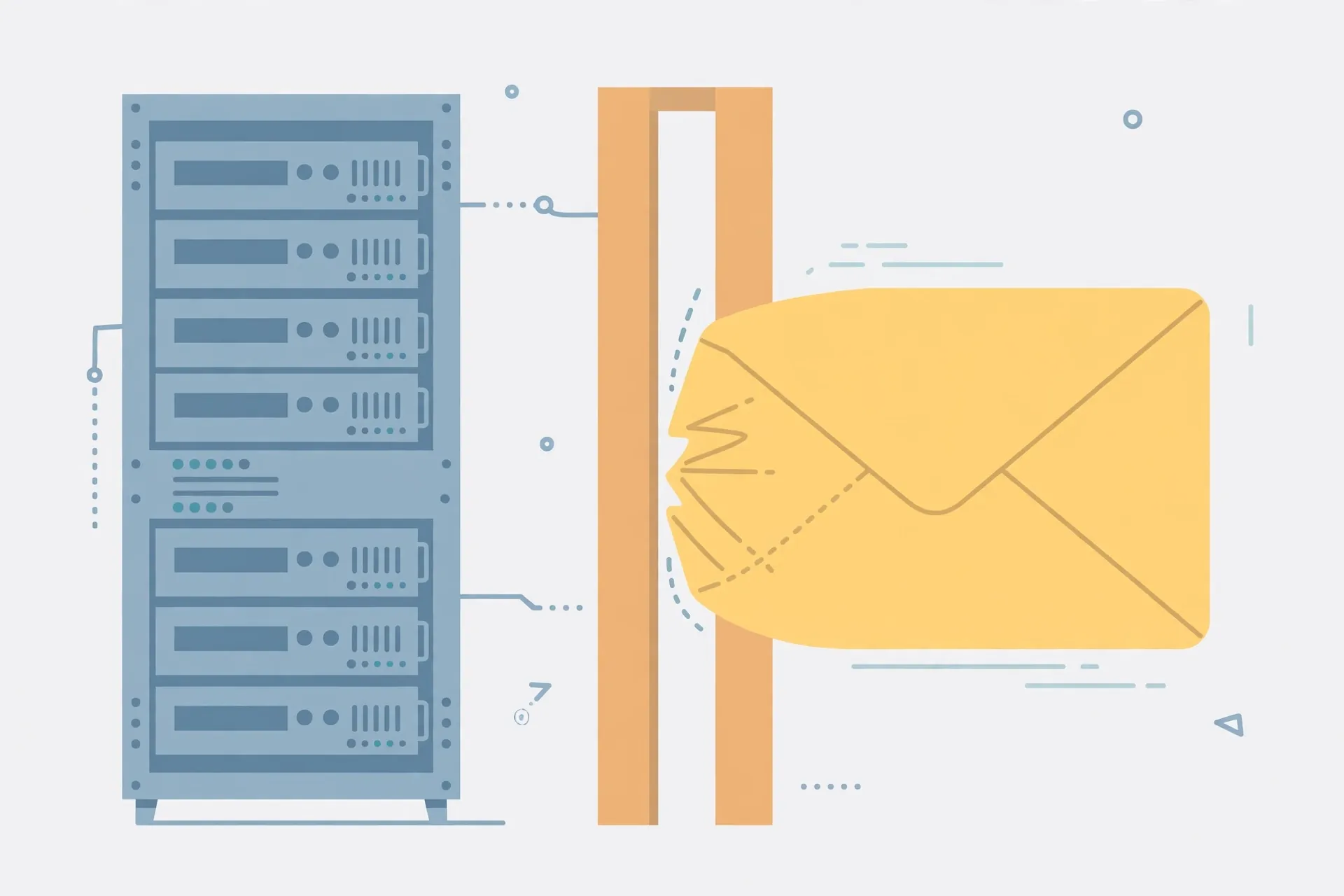
Error codes in the 400 range all mean the client — your browser — sent something the server did not accept, but they point to different problems, and mixing them up leads to the wrong fix.
| Error | What it means | Usual fix |
|---|---|---|
| 400 Bad Request | The request itself is malformed or cannot be understood | Check the address, reload, clear corrupt data |
| 403 Forbidden | The server understood the request but refuses access | Check permissions or sign-in status |
| 414 URI Too Long | The address (URI) alone is too long | Shorten the URL, remove excess parameters |
| 431 Request Header Fields Too Large | The headers attached to the request are too large | Clear cookies for the site, reduce header size |
In short: 400 is about a broken request, 403 is about permission, 414 is about an over-long address, and 431 is about over-large headers — most often cookies. If you see 431, start with cookies, not with permissions or the address alone.
Frequently Asked Questions
Does HTTP error 431 mean the website is down?
Not usually. The site is often working fine for other visitors, or for you in a private window. Error 431 points to the size of your request’s headers, not to the site being offline. If the site were down, you would more likely see a connection error or a 500-range error.
Will clearing all my browser data fix error 431?
Clearing cookies for the affected site usually does. Clearing everything would also work, but it signs you out everywhere and deletes preferences you may want to keep. Clear data for the one site first, and only clear more broadly if that does not help.
Is error 431 caused by a virus or hacking?
No, not in the normal case. It is a technical limit being exceeded, almost always by accumulated cookies. It is not, on its own, a sign that your device is infected or that someone has interfered with your connection.
Why does the error appear on one site but not others?
Because headers are per-site. Your browser sends a different set of cookies to each site. A site with many or large cookies can cross the limit while other sites, with modest cookies, stay well under it. That is why the fix is site-specific.
Can a long URL alone cause error 431?
A very long URL can contribute, especially combined with large cookies, but a long URL on its own more typically triggers error 414. If trimming the URL fixes a 431, the headers were already close to the limit, and clearing the site’s cookies is still worth doing.
Should site owners just raise the header limit and be done with it?
Raising the limit can help, but it is better paired with trimming unnecessary cookies. Very large headers waste bandwidth on every request and can mask a real problem, such as a cookie-setting loop. A sensible limit plus lean cookies is the healthier combination.
Final Thoughts
HTTP error 431 looks intimidating, but it has a refreshingly practical cause: the extra information attached to your request — usually cookies — has grown too large for the server to accept. For visitors, clearing cookies for the affected site, trying a private window, and trimming an over-long URL will resolve it in the great majority of cases. For site owners, auditing cookies, scoping them properly, and setting a sensible header limit will stop the error from returning for visitor after visitor. And if you remember one distinction, make it this: 431 is not about a missing page or forbidden access. It is about baggage. Lighten the request, and the page will usually load as normal.
For more everyday technology explainers, you can also browse the guides over at DailyOrvix, which covers similar practical topics in plain language.
Read Also: James Comer: Who Is He, What’s His Role, and Why Does He Matter? (2026 Guide)

Admin
Contributor at Daily Scope 67.
Related reading

192/16 Network Meaning and Subnet Guide (2026 Guide)
192/16 is shorthand for a large private network range. Here is what the /16 means, how many addresses it covers, and when you will meet it.
Read story
192.168.50.1 Router Login and Admin Setup (2026 Guide)
192.168.50.1 is the admin address for some routers and modems. Here is the full login guide, plus troubleshooting and security tips.
Read story
192.168.100 Router Login and Admin Setup (2026 Guide)
192.168.100 looks like a router address but it is missing a piece. Here is what it really means and the full address to use for your admin login.
Read story